For Brokers · Filtering & Ranking
From Noise to Signal, Automatically.
When a deal generates 100+ responses, manual review becomes the bottleneck. AI sorting and auto-rejection turn the Sourcing column from an overwhelming list into a ranked, pre-filtered shortlist — so you focus on the spaces worth your time.
Sorting is on by default. Auto-rejection is opt-in, per deal.
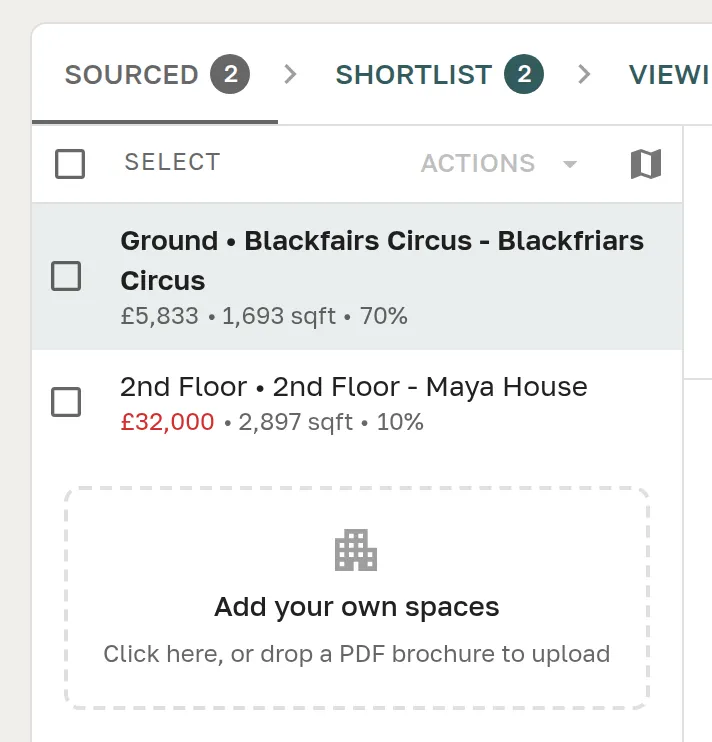
Sourcing Workspace Sorting
The best matches first, always.
AI compatibility scoring ranks every provider response against your client's requirements. Without sorting, that ranking exists but doesn't change what you see — responses still appear in submission order. With score-first sorting as the default, the list reflects the AI's analysis the moment you open it.
The Sourcing column is now a ranked shortlist, not an arrival queue. Start at the top and work down, knowing the strongest fits are already there.
Best Matches Surface First
Compatibility score drives the default sort order. The moment a provider responds, their submission lands where it belongs — high if it scores well, lower if it doesn't. No scrolling through 100+ entries to find the three worth reviewing.
Switch to Most Recent
Toggle to recency order to see which providers have just responded. Useful when you want to catch late submissions before closing your shortlist — or to track which providers are the most responsive.
Alphabetical Tiebreaker
When scores are equal, workspaces sort alphabetically by provider name — so the order is always predictable, consistent, and easy to reason about.
Sourcing — 24 workspaces
Fora — Shoreditch High St
Just submitted
Mindspace — Aldgate
3 minutes ago
x+why — Waterloo
12 minutes ago
WeWork — Moorgate
1 hour ago
20 more workspaces sorted by score…
Auto-Rejection
Low-scoring responses, handled automatically.
When a deal generates 100+ submissions, a significant proportion will score poorly against your client's needs. You already know you'll reject them — it's just a matter of doing it one by one. Auto-rejection does that work for you, the moment each score is calculated.
Set a threshold — the default is 50% — and any response that falls below it is automatically moved to the rejected column. The list that remains is the one worth reviewing.
You Set the Threshold
Choose the compatibility score below which responses are automatically rejected. The default is 50%. The platform shows score band labels — Excellent, Good, Average, Poor — alongside the input so you can calibrate with confidence.
Off By Default, On When Useful
Auto-rejection is disabled on every new deal. Enable it when you know a search will generate volume — high-capacity city-centre sourcing, national portfolio searches — where manual triage becomes the bottleneck.
AI Tags Keep It Transparent
Auto-rejected workspaces are tagged distinctly from manual rejections. Spot-check the AI's decisions at any time, see exactly which spaces were filtered and why, and override with one click if a provider deserves a second look.
Rejections Reverse Automatically
If a provider answers clarification questions and their compatibility score rises above the threshold, the automatic rejection reverses — no manual intervention. A provider who responds well comes back into consideration on their own merit.
Deal Settings
Auto-reject low compatibility
Reject responses below the threshold automatically
Rejection threshold
>90%
Excellent
>70%
Good
>50%
Average
<50%
Poor
Together
Sorting and auto-rejection work as one
Sorting surfaces the best — auto-rejection removes the worst. Used together, they turn the sourced column from an unmanageable queue into a focused, ranked list of workspaces worth your time.
On a 150-response deal with a 50% threshold, you might automatically reject 60 poor-fit submissions and start reviewing from a ranked list of 90 — with the strongest matches already at the top.
These are the two features where AI compatibility scoring becomes actionable, not just informational. The score exists to drive decisions — filtering and ranking are how that happens.
FAQ
Frequently asked questions
How does Great Space's AI matching work?
Great Space uses a two-stage matching process. First, a database filter applies hard criteria from the broker's referral — location, desk count, budget, term, and availability. Then an AI model rates and ranks the shortlisted providers on qualitative fit: space quality, provider responsiveness, and alignment with the client's requirements.
What criteria does the matching engine use to find workspace?
The matching engine filters on: location (postcode or area), desk capacity, monthly budget, term length (short-term vs longer managed), available from date, and workspace type (coworking / serviced office / managed). The AI ranking layer then scores the shortlist on fit quality beyond the hard filters.
How is Great Space's matching different from a standard directory search?
A directory search returns everything that technically matches criteria — location, size, price — and leaves the broker to rank and shortlist manually. Great Space's matching engine returns a ranked shortlist with fit scores, surfaces providers most likely to respond and convert, and learns from deal outcomes to improve over time.
Can brokers override or adjust the AI recommendations?
Yes. The AI shortlist is a starting point. Brokers can add providers not in the initial shortlist, remove suggestions that don't fit context the AI couldn't see, and reorder options before sending to the client. The AI assists; the broker decides.
What data does Great Space use to match clients with workspace?
Great Space matches against live provider inventory data — space specifications, pricing, availability, and location — combined with platform performance data including historical response rates and deal conversion rates. All data is held in Great Space's database; matching is against verified records, not scraped or stale listings.
Does the AI matching work for both flex workspace and managed workspace?
Yes. The matching engine handles both deal types. Flex workspace (coworking, serviced offices) and managed workspace (bespoke private offices) have different criteria sets and commission structures, and the matching logic is configured accordingly for each.
Let the AI filter the noise.
Start free with 3 active deals. Sorting is on by default — auto-rejection is there when you need it.